


 4 / 8
4 / 8

Vehicle eligibility
All vehicles equipped with Discover Media & Discover Pro systems
are eligible.
Australian model Golf 7 vehicles built prior to calendar week
45/2013 (or 04/11/2013) will require the activation of MapCare
via SWaP which is explained later in this document.
Checking the current
map version
The current map version of a Discover Media or Discover Pro
system can be determined by:
1. Pressing the MENU button
2. Select the SETUP option
3. Select SYSTEM INFORMATION
This screen is useful to confirm that a map update has been
completed successfully.
Downloading the new
map data to PC
As each new map is released, it will need to be downloaded to a
Windows PC. The data may take several hours to download, so
you may want to do this step overnight. Fortunately, this new
map download will only be required once every 6 months as each
new map is released.
1. Visit
www.navigation.com/vw-australia2. Select the appropriate Model, Model Year & System from the
pull-down menu
3. Select FULL DOWNLOAD
4. If your system does not prompt you to open the file with WinZip,
please download 7-Zip for Windows from www.7-zip-org
5. Select OK and the file will begin to download to your computer
which can take several hours
6. Once the download is complete, it is a good idea to copy all
files into an easy to locate folder called “Discover Media Map
Update” or “Discover Pro Map Update” accordingly.
Performing a SatNav Update
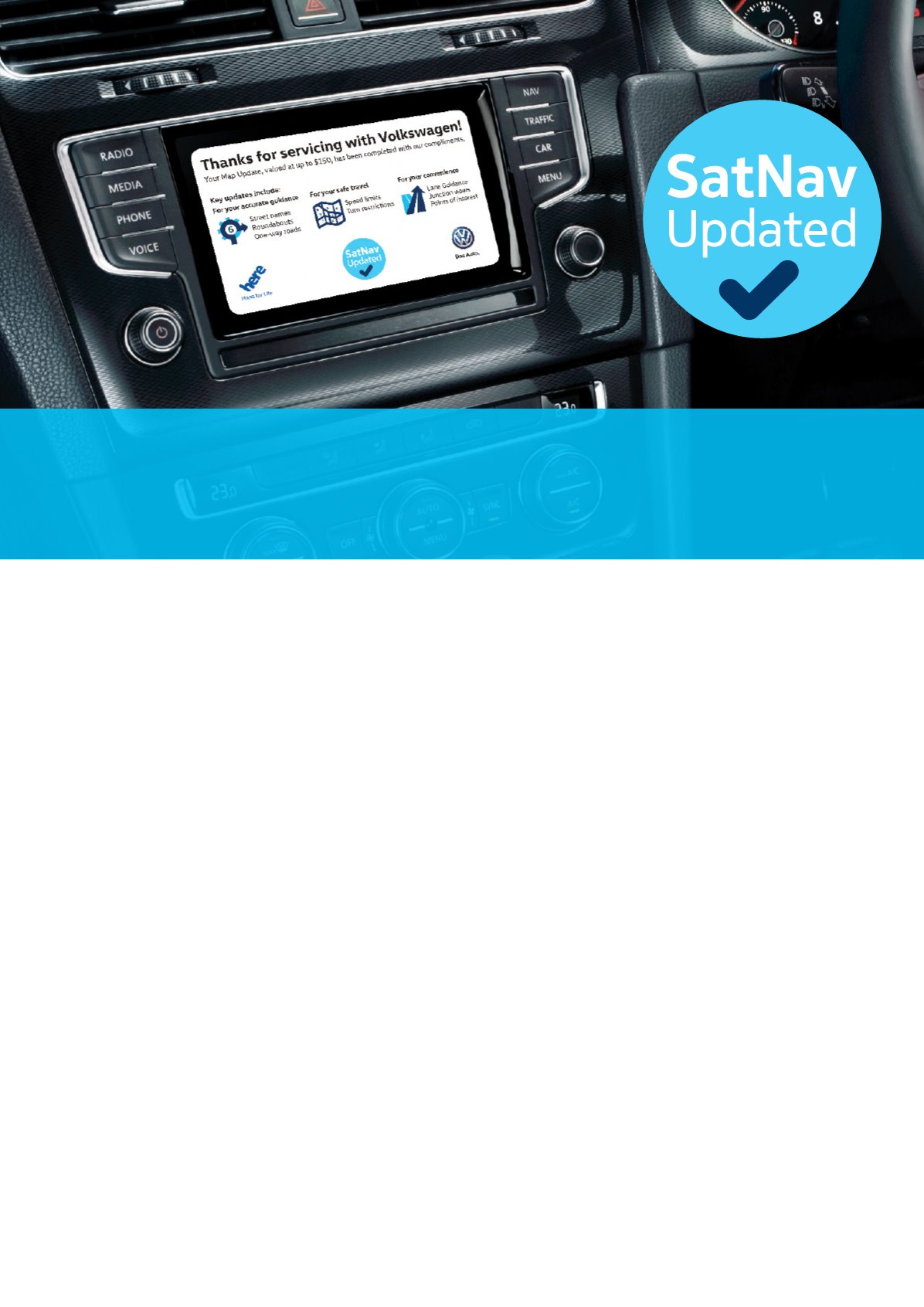
Included in this kit are static screen clings that are to be applied to your customers Discover Media or Discover
Pro display screen after performing a complimentary map update. These screen clings assist in communicating
the overall value delivered to customers through the SatNav Update Plan.