


 10 / 44

10 Induction Guide | New Employee
Videos - QR Codes
To help you find out more about Bupa and Bupa Aged Care Australia, you have access to a number
of videos. You can access these videos directly from this guide using QR codes, like the one below.
Scanning the codes will take you straight to the video.
Don’t worry if you don’t have a smartphone or tablet. All these videos can also be viewed on a
computer via the links included at the bottom of each QR code.
Using QR codes
To scan the QR codes you need a smartphone or table with an app called
a
“QR Reader”
. You can download this app for free from your device’s app
store.’
Setting up QR reader on your mobile device
For iPhones and iPads:
Go to your App Store – iTunes and download a QR Reader. Enter
“QR reader”
on the search field and you will have a list to choose from.
Check ratings.
For Android devices:
Go to your Google Play Store and follow the same step as above.
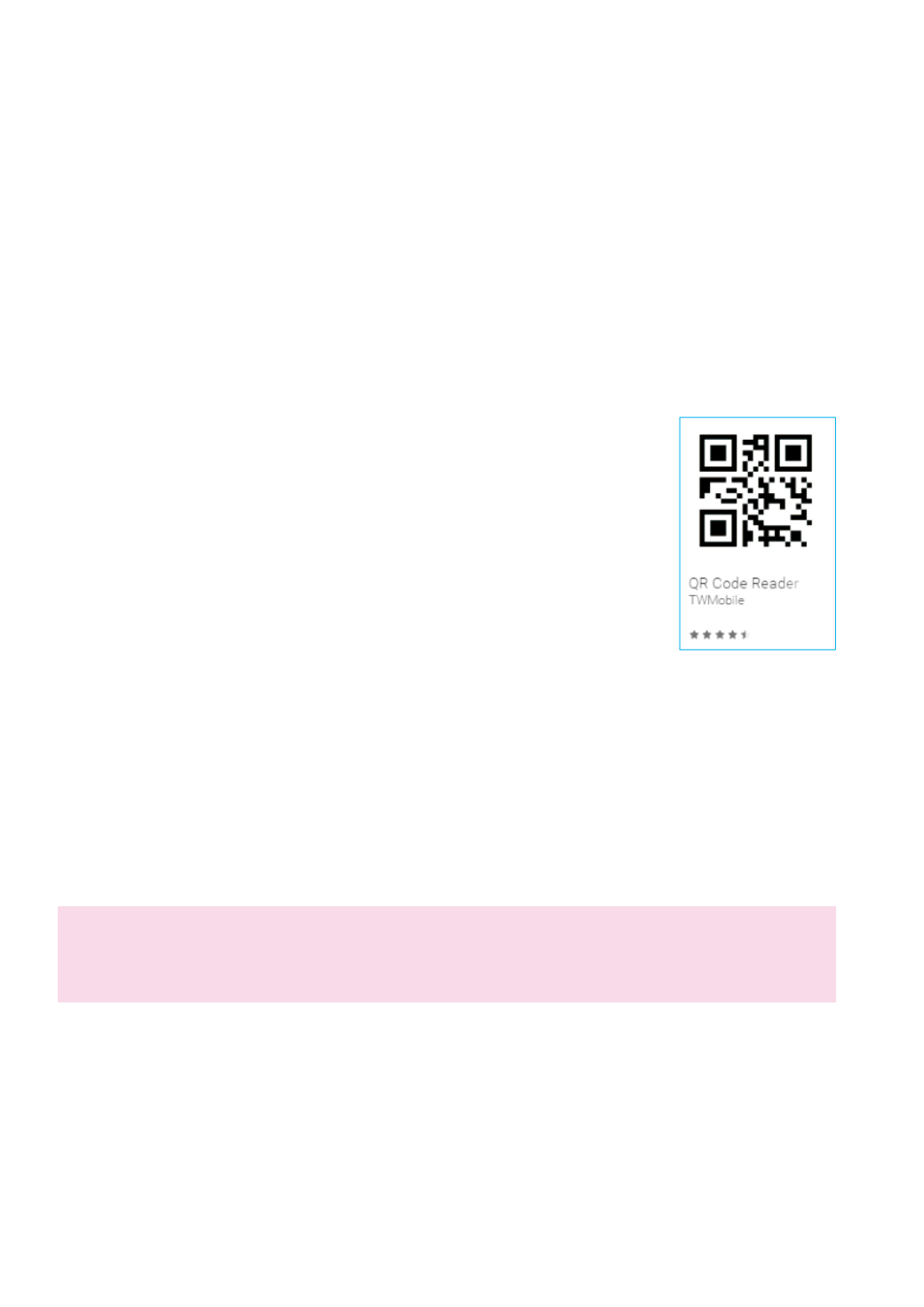
Sample: QR Code Reader from TWMobile is a simple one to use for Android.
Using QR reader
1.
Open your QR reader App.
2.
Point the device’s camera at the QR code (as if you were taking a picture) and follow your QR
reader’s instructions.
Important
Please ensure you have WiFi connection when you are using the QR reader and launching the
videos. Otherwise it will affect your phone data allowance.